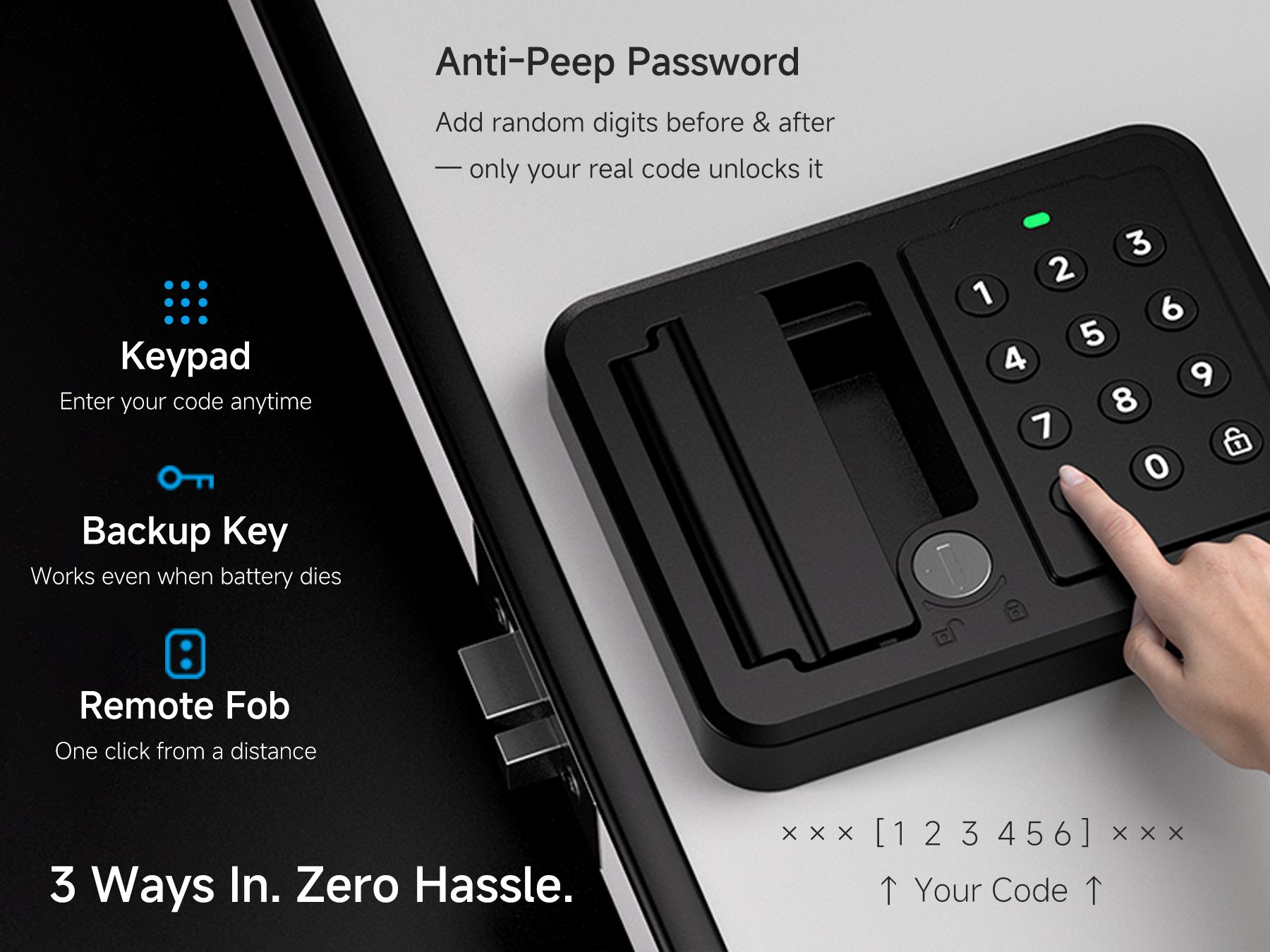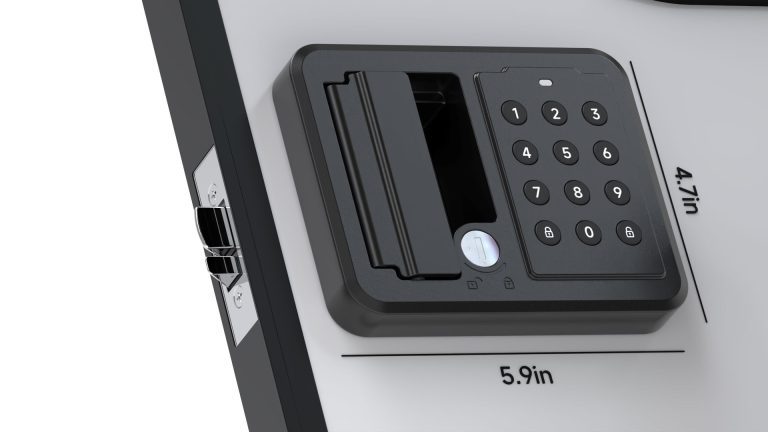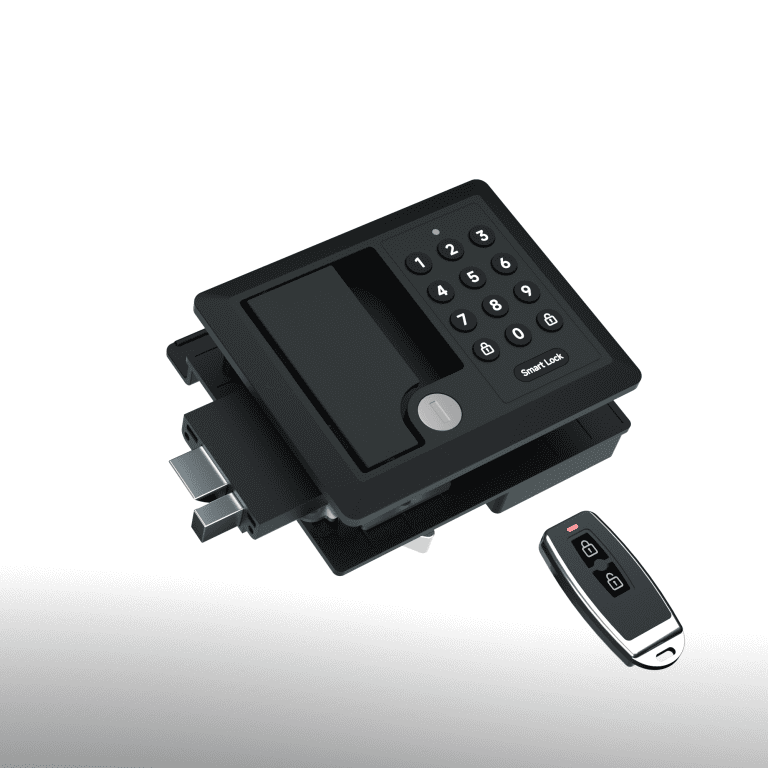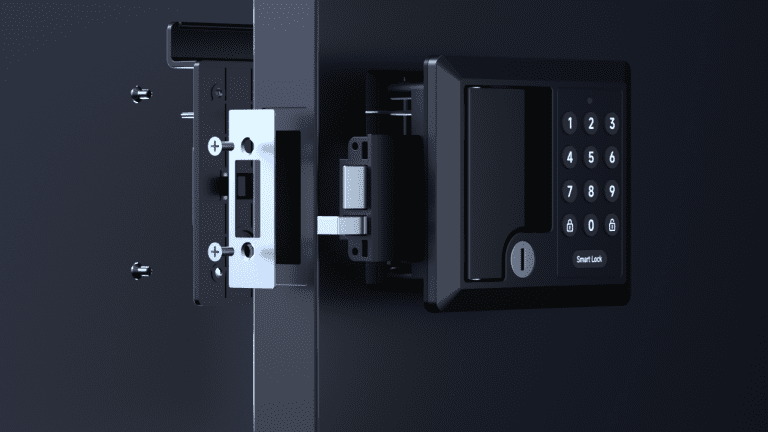

Follow this guide to create, add, or reset your PIN code for secure keyless entry.
Set Your PIN
PIN Setup Guide
Add a New PIN
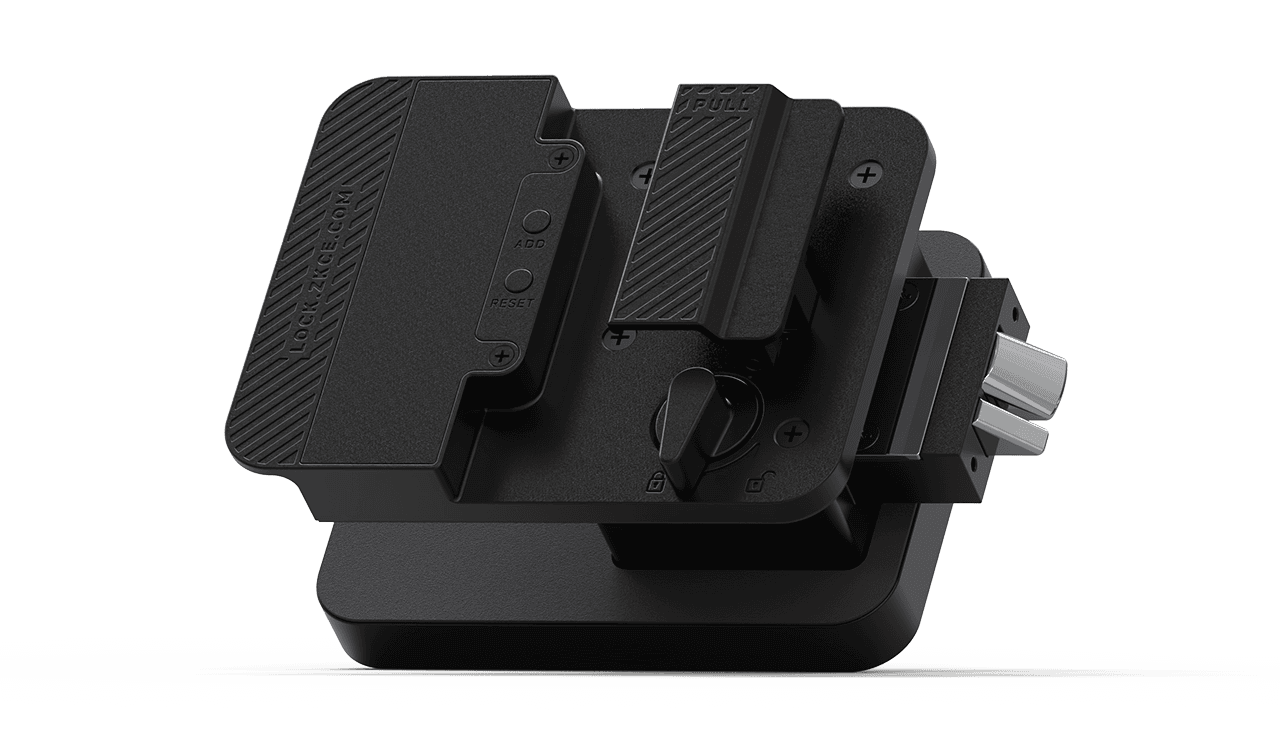
- Press and hold the ADD button for 3 seconds until you hear a beep.
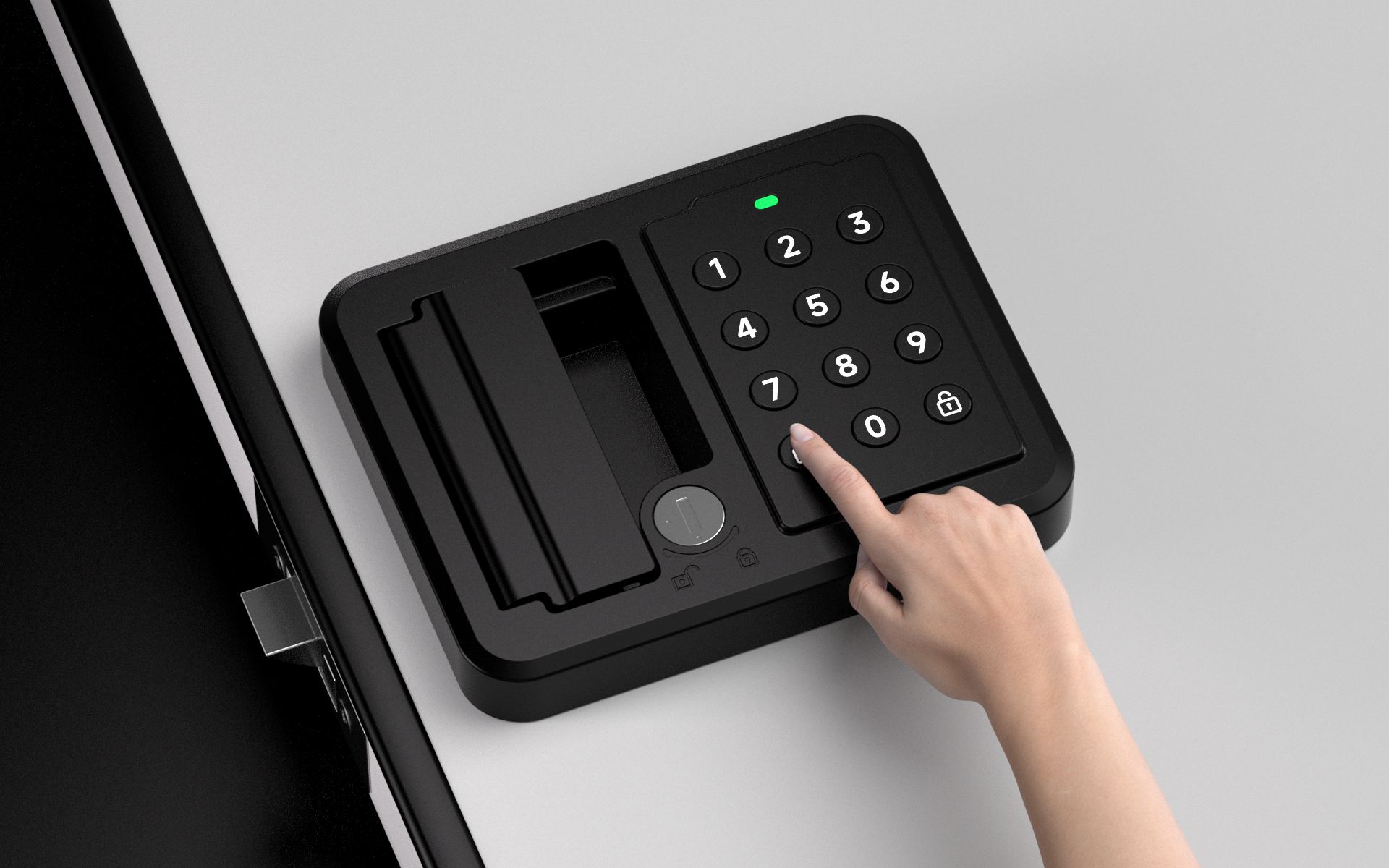
- Enter a 4–8 digit PIN, then press the Unlock button.
- The lock will confirm the setup:
- One long beep: PIN added successfully.
- Three beeps: PIN setup failed.
- To add additional PINs, repeat the same steps.
Note:
The lock is shipped with no PIN programmed by default. After setting a PIN, the remote control will be disabled and must be paired again before use.
Reset PIN Settings
- Press and hold the RESET button until you hear a beep.
- Press the Unlock button.
- A single beep confirms the reset.
Factory Reset will:
- Delete all saved PINs.
- Remove all paired remotes.
- Restore the lock to default settings.
After reset, PINs and remotes must be programmed again.
PIN & Battery Status Indicators
- Correct PIN: One beep and the lock unlocks.
- Incorrect PIN: Three beeps.
- Low battery warning: After the beep, the red indicator flashes three times, or three warning beeps sound.
Replace the batteries when the low battery warning appears.