
Learn how to pair, add, and reset remote controls for convenient wireless access.
Pair Your Remote
Remote Pairing Guide
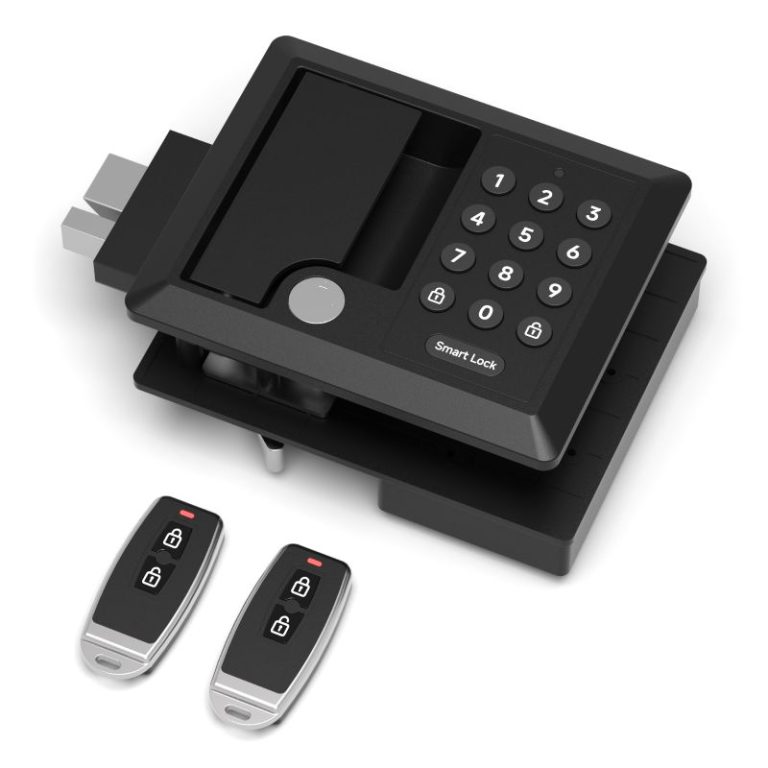
Add a New Remote
- Before pairing a remote, make sure a PIN has already been programmed.
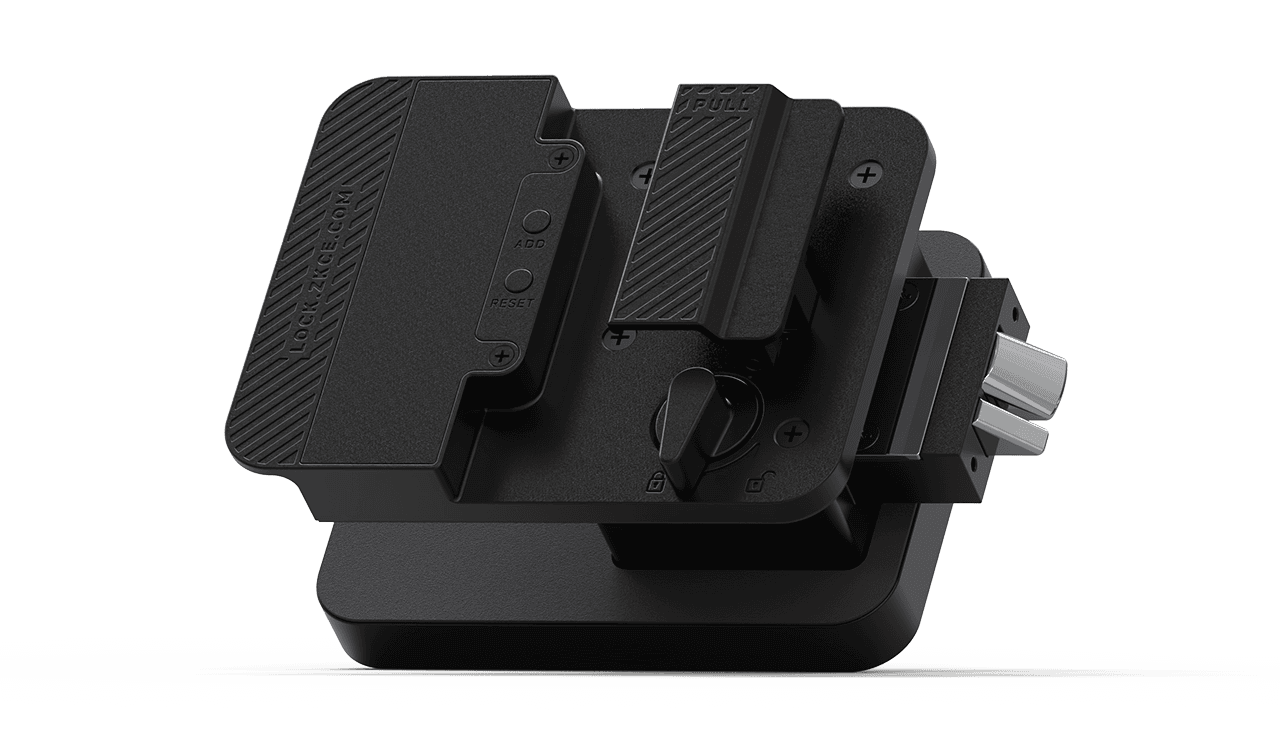
- Press and hold the ADD button for 3 seconds until you hear a beep.
- Press any button on the remote control.
- A single beep confirms that the remote has been paired successfully.
- To add additional remotes, repeat the same steps.
Note:
The lock is shipped with no PIN programmed by default. After setting a PIN, the remote must be paired before it can be used.
Replace Remote Battery
The remote uses a coin cell battery.
When the battery is depleted:
- Remove the screws on the remote.
- Open the back cover.
- Replace the battery with a new one.
- Reinstall the cover.
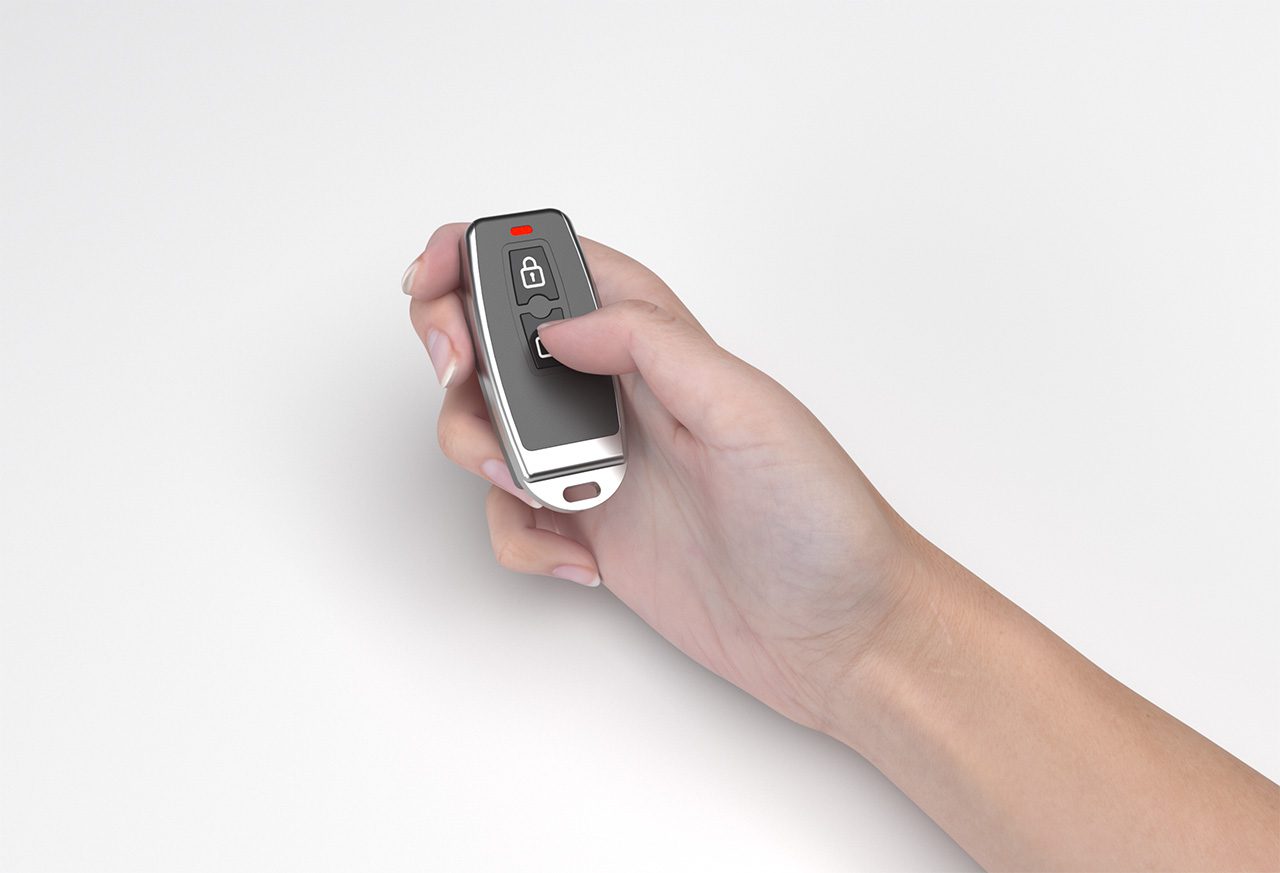
Reset Remote Settings
- Press and hold the RESET button until you hear a beep.
- Press the Unlock button.
- A single beep confirms the factory reset.
Factory Reset will:
- Delete all saved PINs.
- Remove all paired remotes.
- Restore the lock to default settings.
After reset, all PINs and remotes must be programmed again.